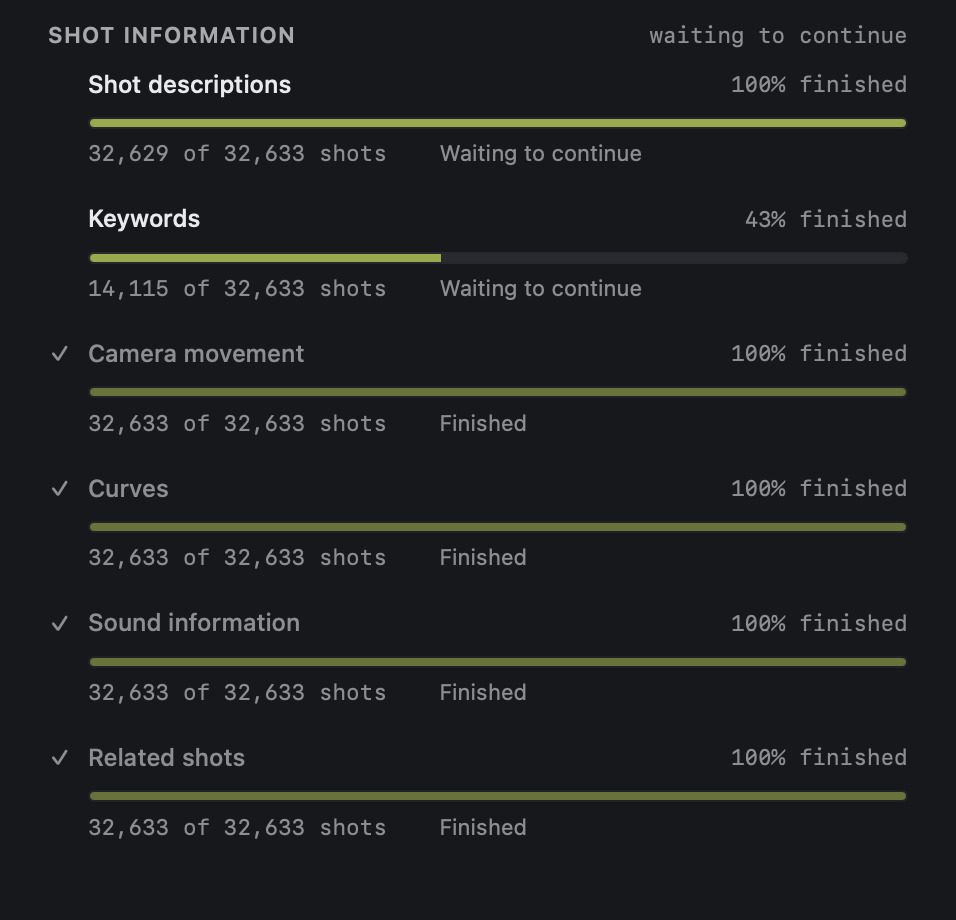
Step 1
Index
Choose a footage folder on your drive. Resurface measures every shot there on your Mac and shows progress as it goes.
Step 2
Find
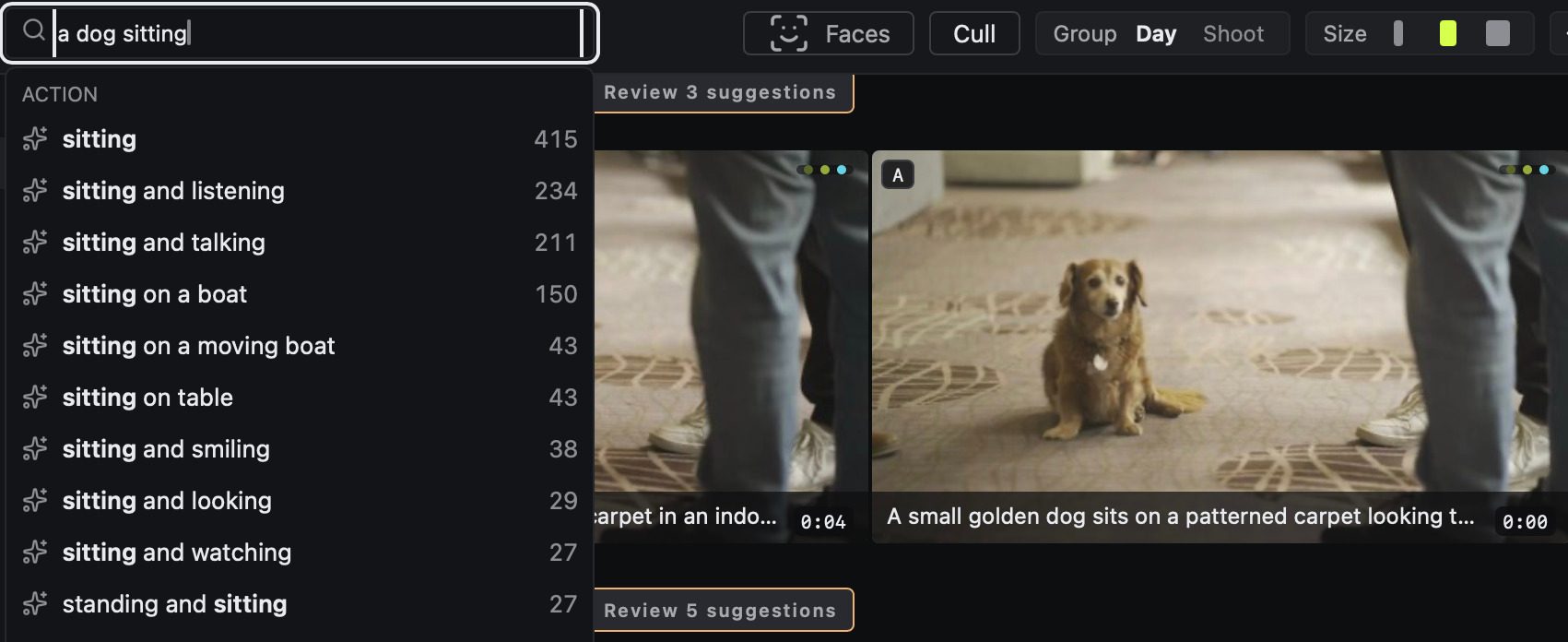
Type what you remember. Resurface suggests as you type, with a count for each, and ranks the shots that match.
-
 Waves on the rocks DJI_0418.MP400:00:02:10
 -
 Beach below the cliff DJI_0415.MP400:00:01:04
 -
 Bay at dusk DJI_0436.MP400:00:03:18
-
 Rooftops by the port C0412.MP400:01:12:08
 -
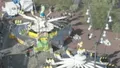 Rides from the wheel C0413.MP400:00:21:02
 -
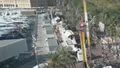 Marina and promenade C0412.MP400:00:48:16
-
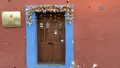 Blue door with marigolds C0187.MP400:00:05:00
 -
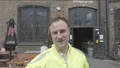 Outside the taproom C0233.MP400:00:00:20
 -
 Stalls by the rides C0414.MP400:00:09:12
Step 3
Judge
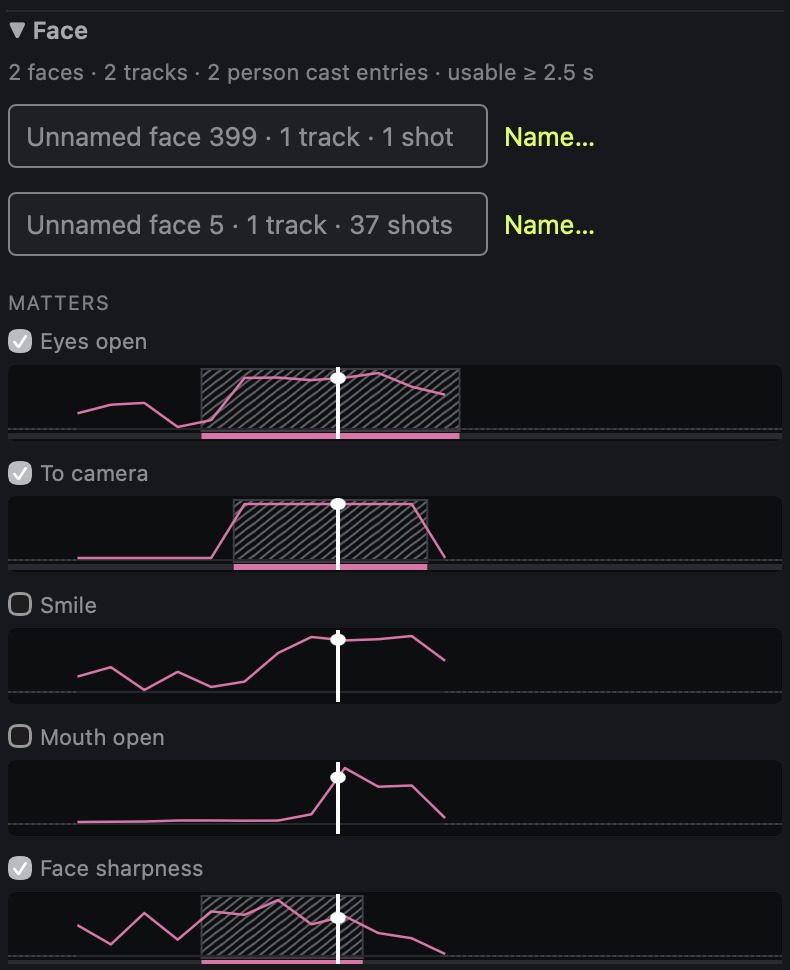
Tick what matters, such as eyes open and face sharpness. See the seconds where your choices hold together, then move through the rushes one shot at a time in Cull.
 shaky
shaky  colour cast
  crushed
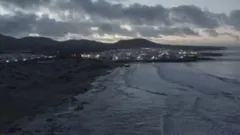 crushed
  shaky
shaky  crushed
 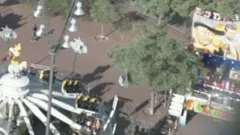 soft
soft Resurface grades every shot. A is usable as shot; the rest show why they lost marks.
Step 4
Hand off
Select shots in the library. Add them to an Edit, or create a shoot from the selection to keep them together. Resurface compiles an Edit into OTIO and FCPXML files on your Mac.
Edit 3 clips
0:13 Join the beta
Be first to try it
Leave your email and we will write when there is a build for you to try.